Verified dating and marriage for Arab singles Real people. Your terms.
Marriage, something serious, something casual, new friends, or not sure yet: Rifqa is for all of it. Members who pass a live selfie check meet only each other, so the person you're talking to is real.
Works in your phone's browser. Add it to your home screen, no app store needed.
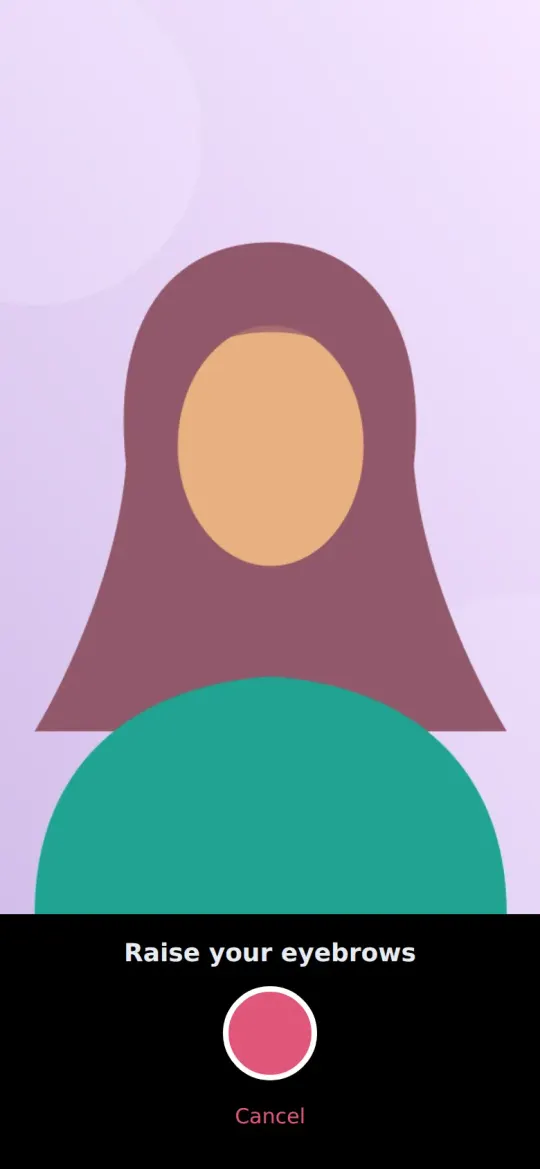
Verified means a real person
Members who pass Rifqa's live selfie check see, and are seen by, only each other. Anyone who skips it meets only others who skipped it, labelled "unverified".
- A live selfie, in a pose Rifqa picks at random, so it can't be a saved photo.
- Compared with their profile photo, with a person on our team reviewing anything borderline.
- Every photo is checked before anyone sees it, and you must be 18 or older to join.
- Your selfie is used only for this check, stored encrypted, and deleted 30 days after the check.
For whatever you're looking for
Say what you want, or that you're still figuring it out. See only people who want the same thing, or everyone.
- Marriage
- Serious relationship
- Casual
- Friendship
- Not sure yet
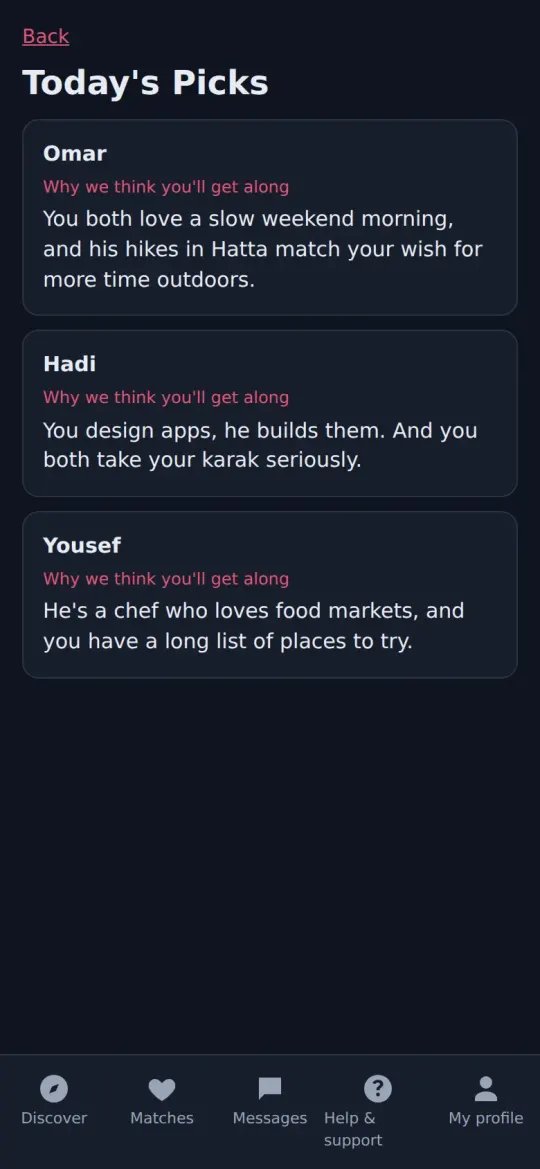
Discover, or let the AI pick
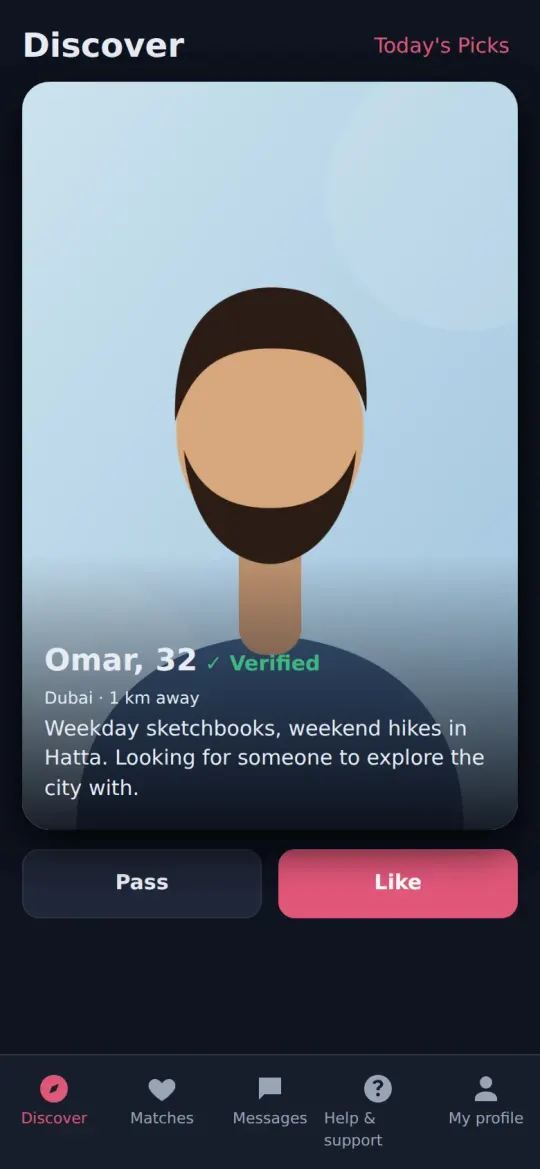
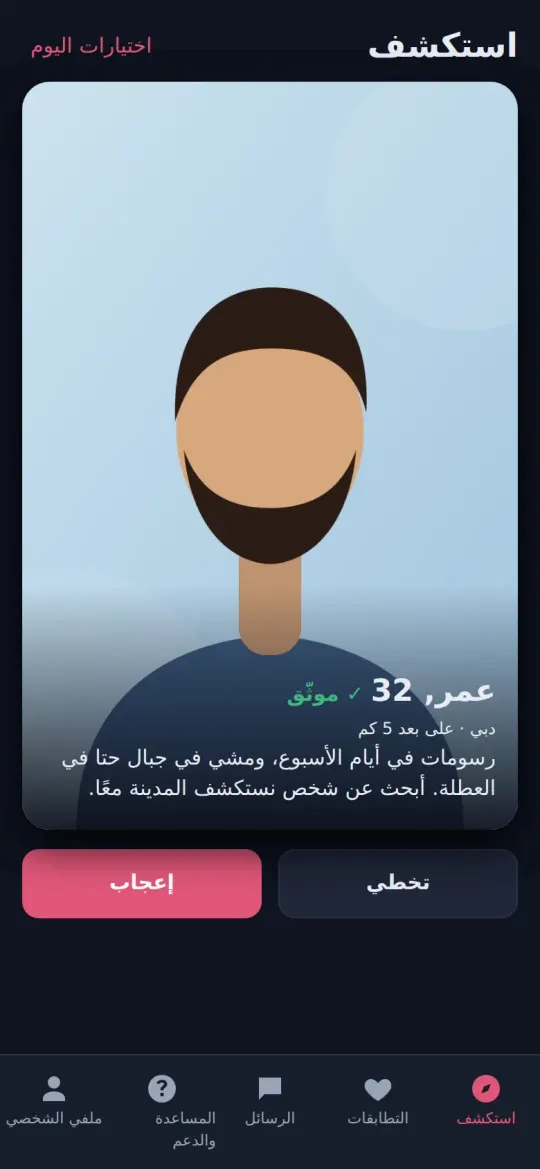
Swipe through people near you, or open Today's Picks: a few profiles a day, each with a short note on why you might get along.
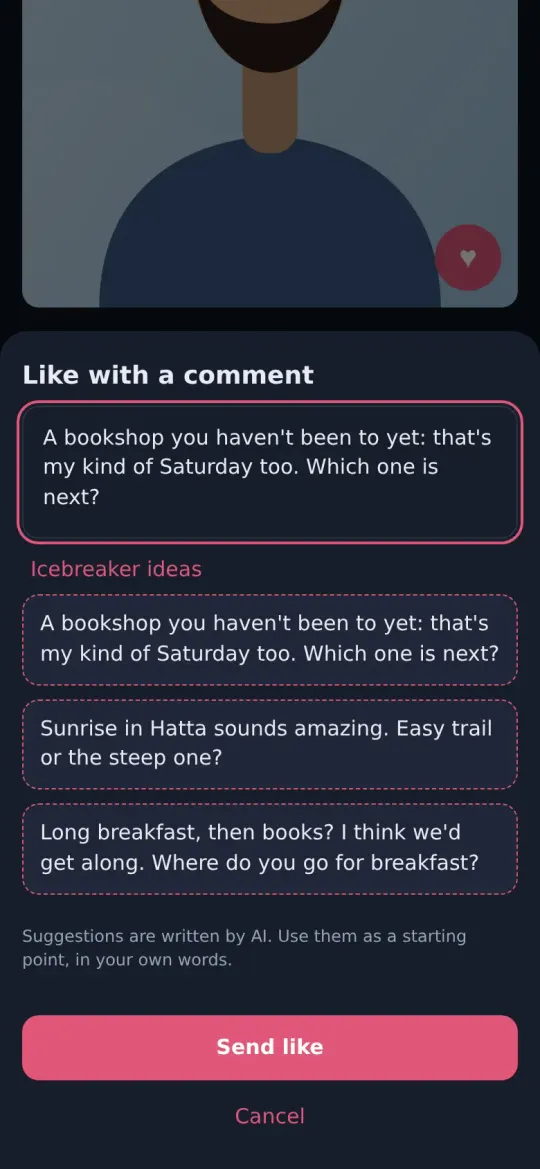
Like something specific
Like a photo or an answer and add a comment. Stuck for words? Rifqa's assistant suggests a few openers, and you write it your way.
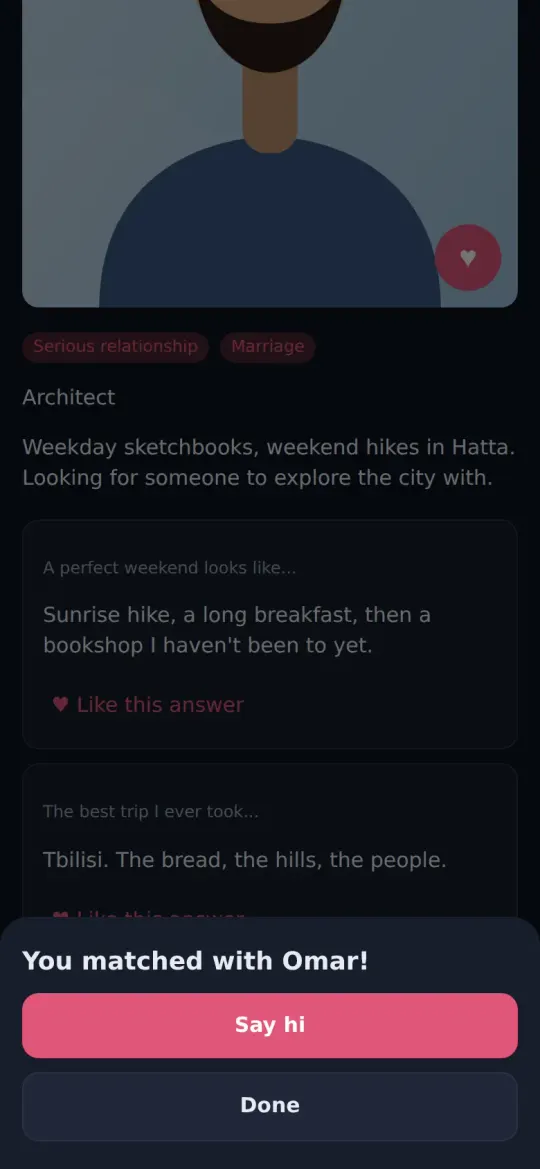
Conversations that feel safe
When a man and a woman match, she writes first. Messages are checked for harassment and scams, and report or block is always one tap away.
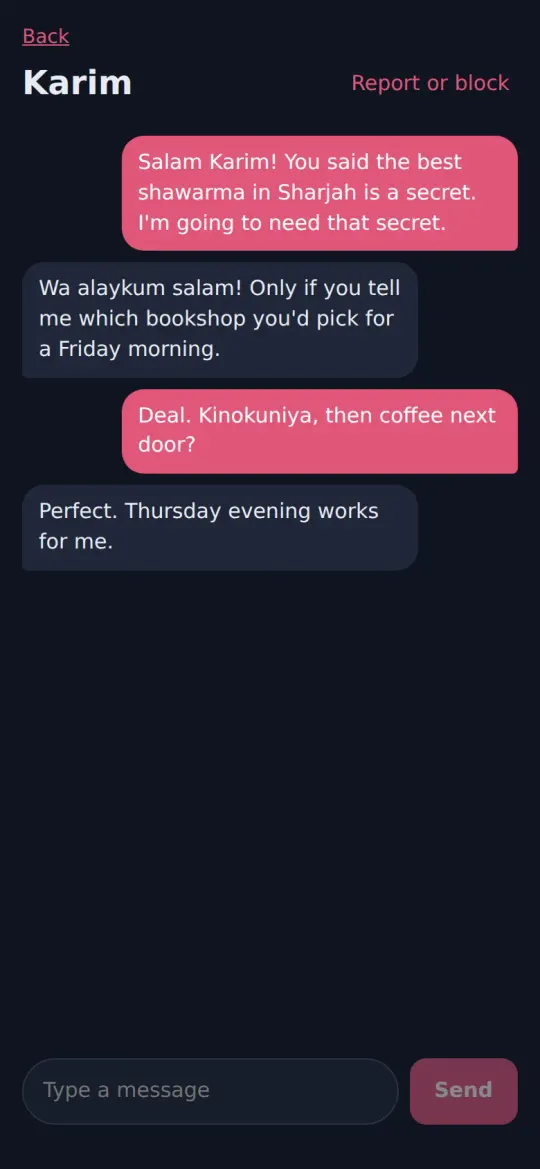
Safety tools, if you want them
Share your date plan with someone you trust: they're alerted if you don't check in. Or invite a family member as a read-only chaperone, and end it whenever you like.
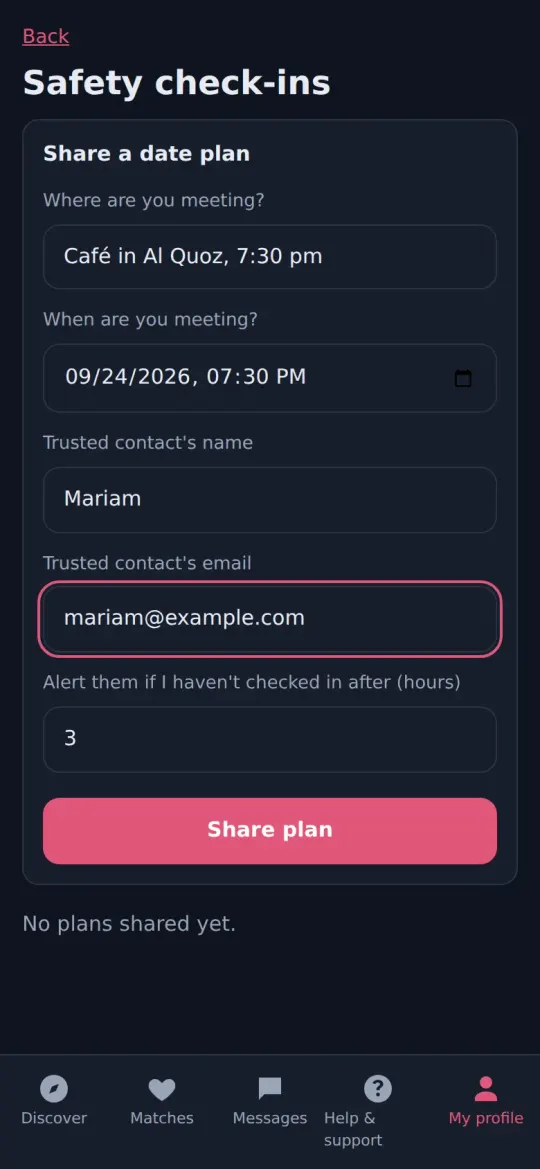
Private by design
Blur your photos until you match, go incognito, or pause your profile at any time. Your messages are encrypted when stored, your sign-in is encrypted on your device, and you can download or delete your data whenever you want.
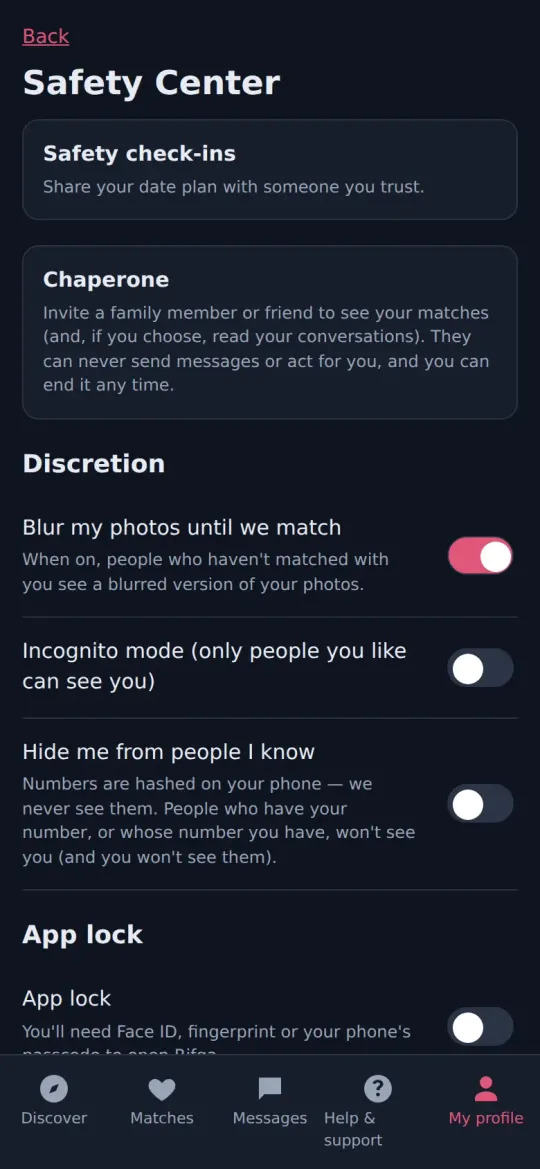
Stay anonymous, if you like
Sign up with a private username instead of an email: other members never see it, and we keep it only as a one-way code. Skip the selfie check if you'd rather, and you'll meet only others who did the same, clearly labelled. In chat rooms, you're just the nickname you pick.
How anonymous accounts workIn Arabic and English
The whole app works in both languages, right to left in Arabic.
Chat rooms, under a name you choose
Join public rooms by interest, or make a private one with an invite link. Rooms stay within your section, so in the verified section everyone in them is verified, and in every room you're known only by the name you choose there.
Help in seconds, a person when you need one
Rifqa's assistant answers support requests first, and one tap puts you through to a person on our team.
Safe to start. Fun to stay.
Everything we do to keep Rifqa real, kind and private, in plain words.
Get Rifqa on your phone
- iPhone: open this page in Safari, tap Share, then Add to Home Screen.
- Android: open this page in Chrome, then tap Install app (or Add to Home screen).
Questions
Does everyone have to verify?
No, but verified and unverified members never meet. Pass the live selfie check and you're in the verified section, where everyone has passed it. Skip it and you're in a separate section, labelled "unverified", where you meet only others who skipped it.
Is Rifqa only for marriage?
No. It's for marriage, serious relationships, casual dating, friendship, or not knowing yet. You choose who you see.
What happens to my selfie?
It's used only to check that you're the person in your photos. It's never shown to other members, it's stored encrypted, and it's deleted 30 days after the check.
Who can see my profile?
Only members of your section who are looking for someone like you: verified members see only verified members. You can blur your photos until you match, go incognito, or pause your profile at any time.
Do I need to download anything?
No app store. Rifqa runs in your phone's browser and can be added to your home screen like any app.
Can I use Rifqa without an email or my real name?
Yes. Sign up with a private username and save your recovery codes: without an email they're the only way back in, and nobody, not even our team, can restore access without one. Use any name you like on your profile.